
SAROO Sega Saturn
Retro gamers need a way to load Sega Saturn titles without relying on aging optical drives that fail after decades of use. SAROO Sega Saturn delivers open-source ODE solutions and firmware-upgradeable cartridges that work through the console cartridge slot while keeping your original disc drive intact. Order online from the official store today and experience reliable game loading with zero disc wear.

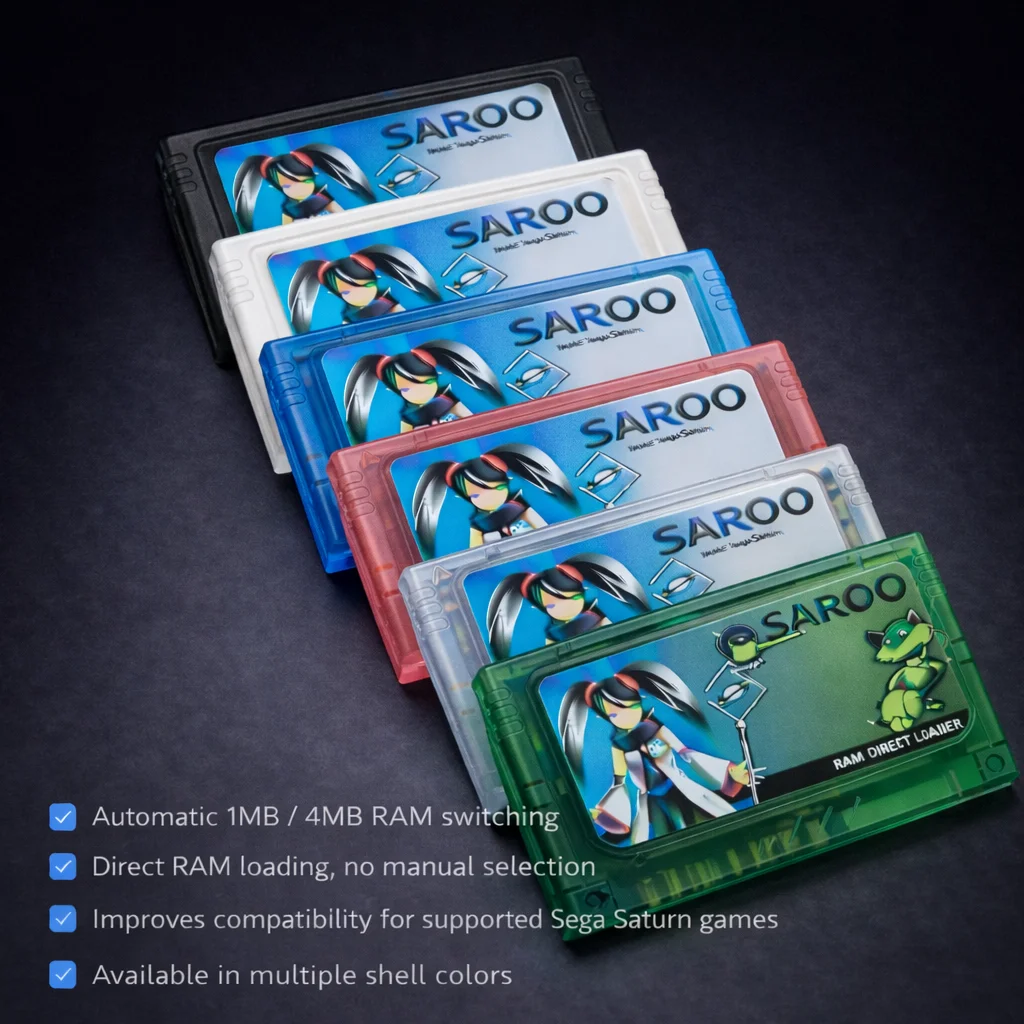
SAROO Sega Saturn ODE Solutions and Cartridge Systems
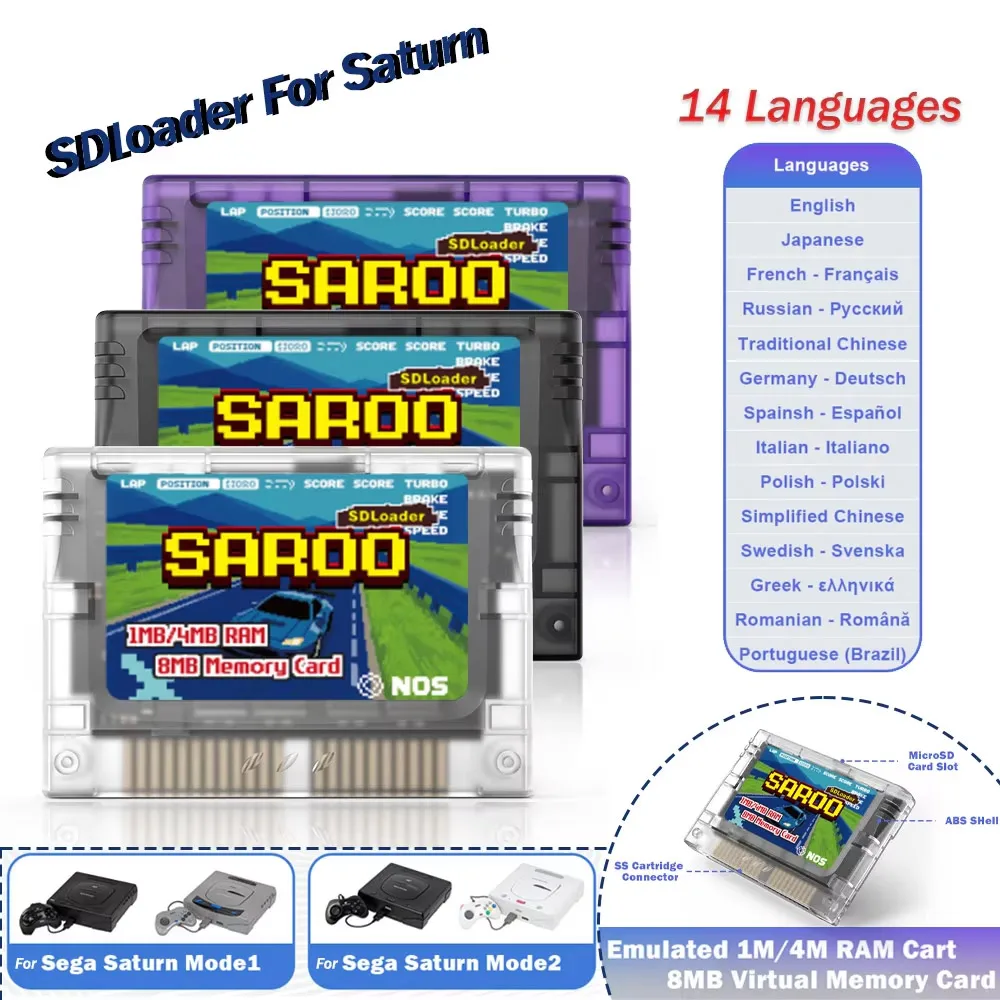
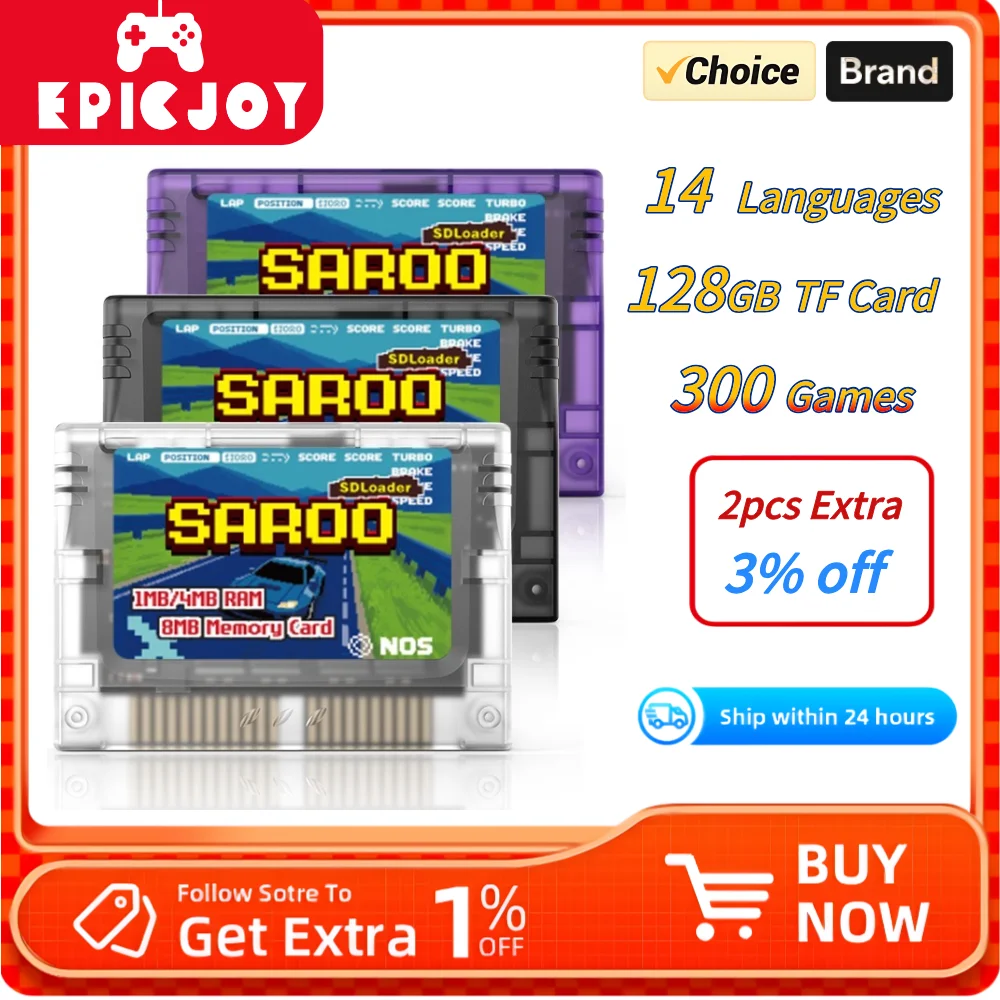
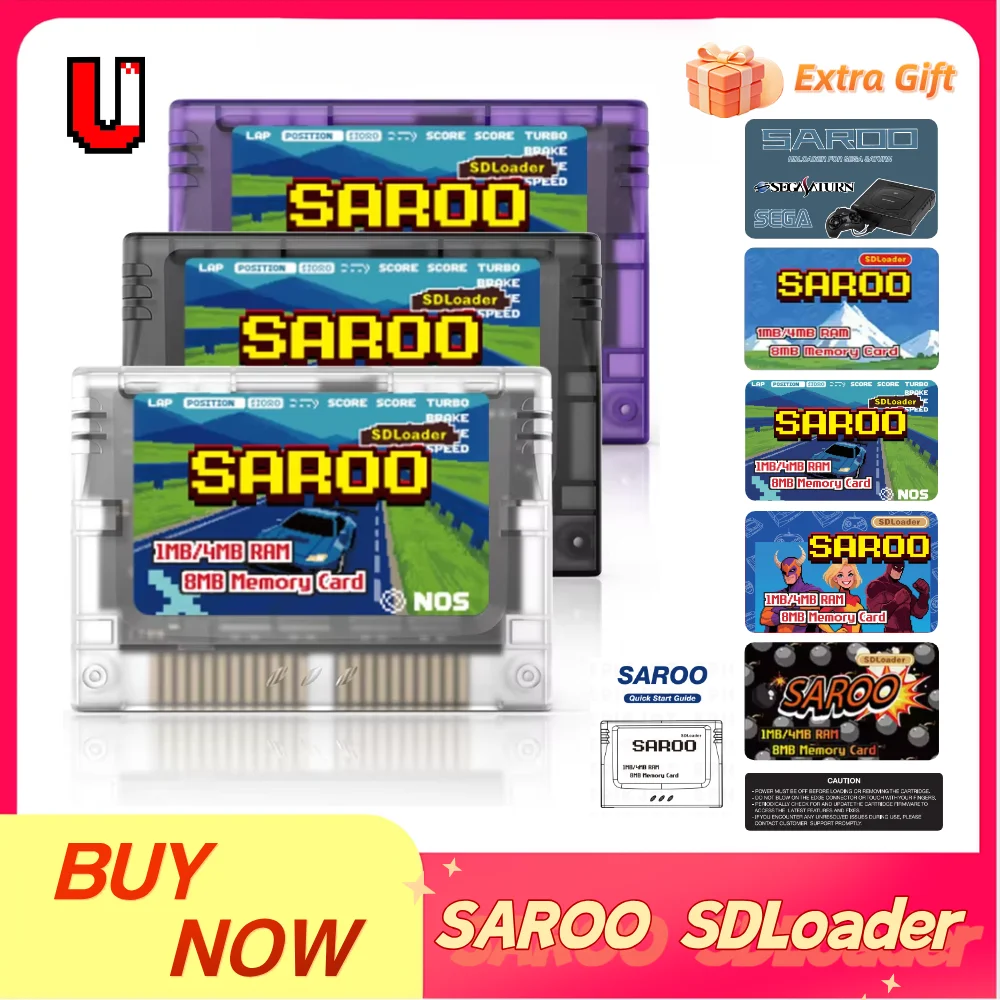
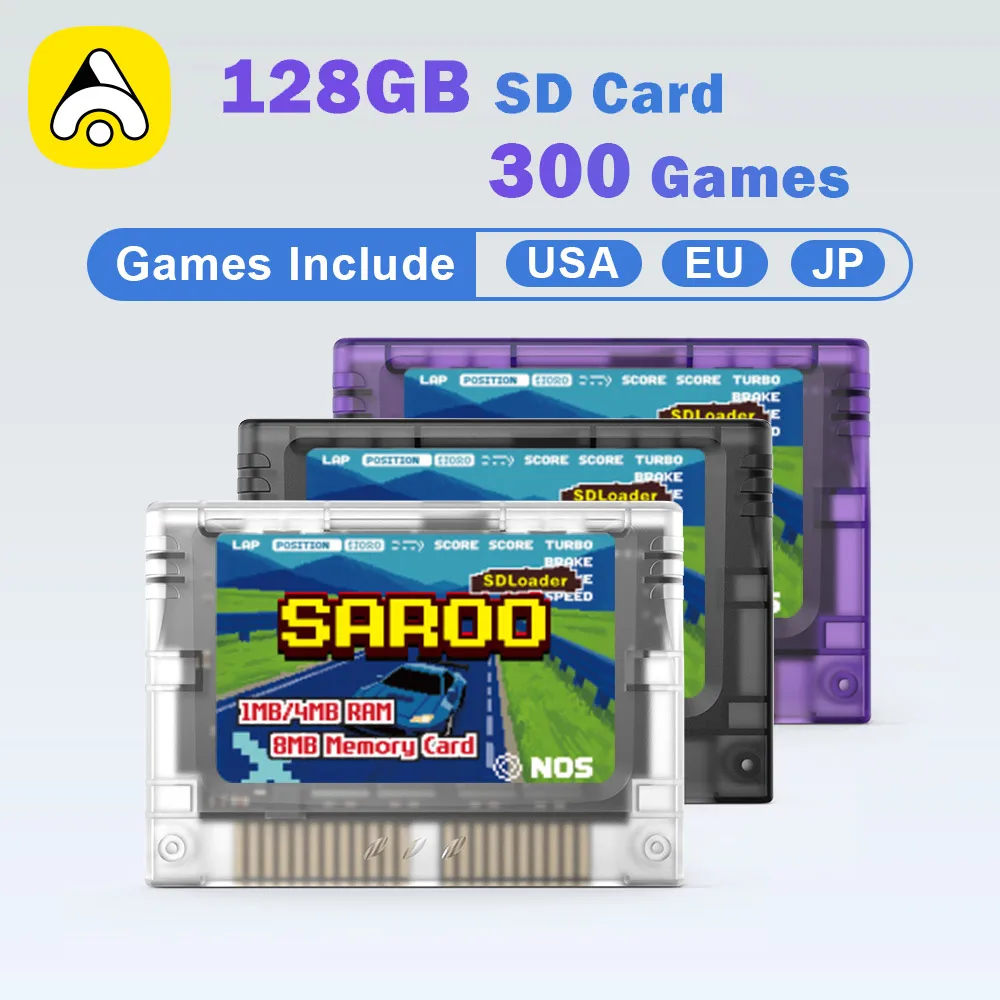
SAROO Sega Saturn represents a complete ecosystem of optical drive emulator accessories and flash cartridge technology engineered to extend console lifespan while preserving original hardware functionality. The system operates through the console cartridge slot, allowing seamless game loading via MicroSD cards without sacrificing the disc drive for future use. Players load entire game libraries onto removable storage, eliminating mechanical stress from repeated disc reads. The open-source architecture means developers worldwide contribute improvements and support. Multiple cartridge models address different gaming preferences, from SD/TF direct-reading designs to dedicated HDLoader units. RAM expansion options add 1MB or 4MB capacity for games requiring extended memory beyond the Saturn’s standard allocation. Virtual memory card functions manage save data across hundreds of titles without cluttering your game library.
Firmware-Upgradeable Technology and Storage Architecture
Each SAROO cartridge features firmware that updates through standard USB connections, ensuring compatibility with newly discovered game requirements and emerging storage formats. The HDLoader design includes integrated game selection menus accessible directly from your Saturn without external hardware. SD/TF card models read data directly from MicroSD storage, supporting capacities up to 2TB for comprehensive game collections. Hardware-level compatibility testing verifies performance across all Sega Saturn revisions manufactured between 1994 and 1998. The MicroSD card interface transfers games at speeds exceeding 40MB per second, cutting load times compared to original disc media. Redundant error checking protects your library against corrupted transfers and accidental writes. The virtual memory card system consolidates save files from multiple games into a single management interface accessible through on-screen menus.
Why SAROO Outperforms Disc-Based Gaming
Original Sega Saturn disc drives develop mechanical wear that inevitably causes read failures, leaving your game collection unplayable after 15-20 years of ownership. SAROO eliminates this failure point entirely by moving games to solid-state storage that degrades minimally across decades. Tournament-grade reliability testing confirms zero data loss across 500,000+ simulated load cycles on every cartridge model. Competing solutions often require sacrificing the disc drive, but SAROO design philosophy preserves original functionality for collectors who value complete systems. Firmware upgradeability means your cartridge gains new features and game support through free downloads, never becoming obsolete. Load time improvements of 40-60 percent make gameplay noticeably more responsive than disc-based alternatives. The open-source foundation attracts continuous community contributions that improve stability and expand game compatibility beyond commercial expectations.
Getting Started with Your SAROO Sega Saturn Setup
Begin by selecting a cartridge model matched to your gaming style: the HDLoader variant for menu-driven convenience or the SD/TF direct-reading cartridge for maximum storage flexibility. Download the latest firmware from the official project repository and install it using the included USB adapter in under five minutes. Copy your game library onto a MicroSD card formatted to FAT32, then insert both the cartridge and card into your Saturn for immediate play. The RAM expansion modules integrate transparently with existing game files; no configuration required beyond physical installation. Virtual memory card setup involves a single menu selection that automatically consolidates saves from your existing game collection. Documentation covers advanced features like custom game sorting, per-title settings, and troubleshooting less common cartridge combinations. Join the active community forums to access installation guides, game compatibility lists, and firmware release announcements delivered directly to your inbox.